Google One Tap
Step 1: Configure Your Application
If you want to allow login through Google One Tap, you'll need to add Google OAuth Provider to your application. For information on how to do this, please refer to Google's documentation.
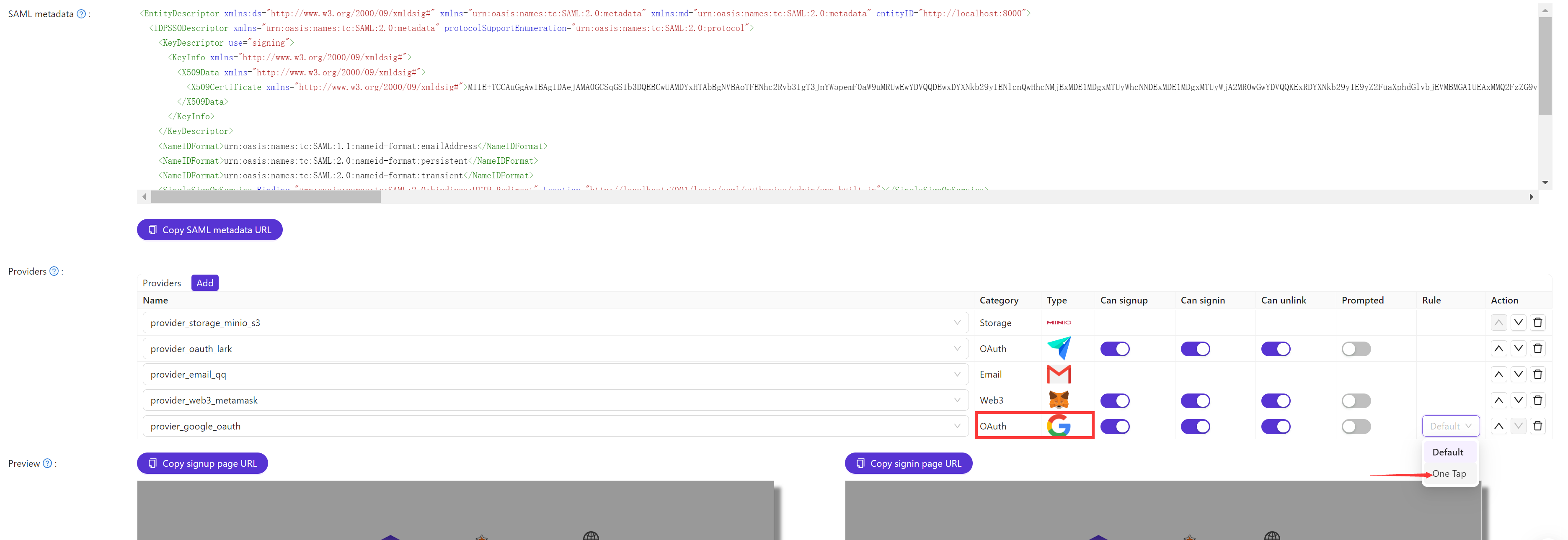
Once you've added the Google OAuth Provider, navigate to the application edit page, add the Google OAuth Provider, and switch the Rule from Default to One Tap.
Step 2: Logging In with Google One Tap
With the setup completed, users can now log in with Google One Tap.