Password Complexity
Casdoor supports customizing password complexity options for user passwords in each organization.
Supported Complexity Options
We currently support five options:
AtLeast6: The password must have at least six characters.AtLeast8: The password must have at least eight characters.Aa123: The password must contain at least one uppercase letter, one lowercase letter, and one digit.SpecialChar: The password must contain at least one special character.NoRepeat: The password must not contain any repeated characters.
If you want to use multiple options, you can select them on the organization edit page:
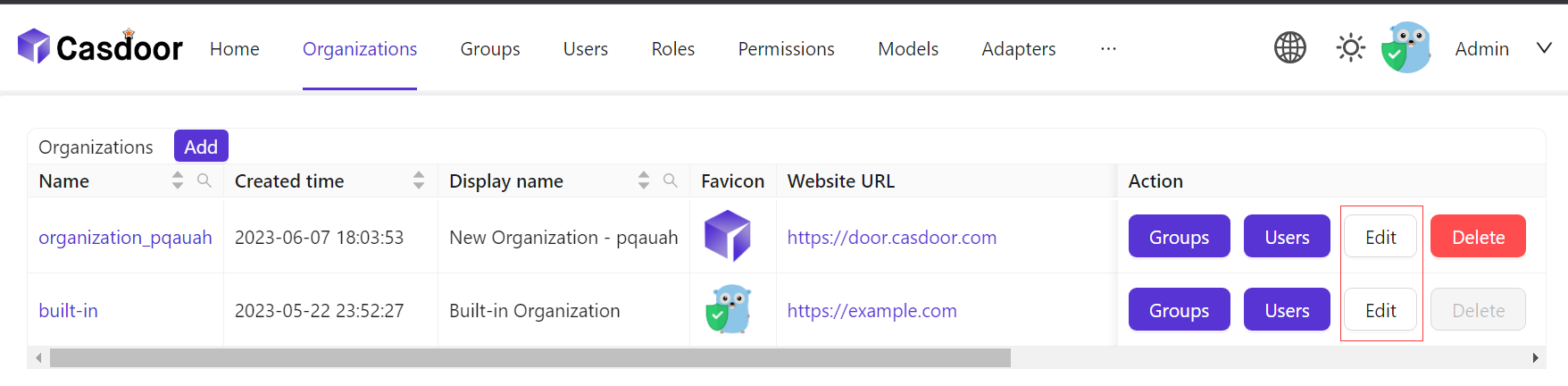
Click the Edit button on the organization list page.
Then select the option you need in the
Password complexity optionscolumn.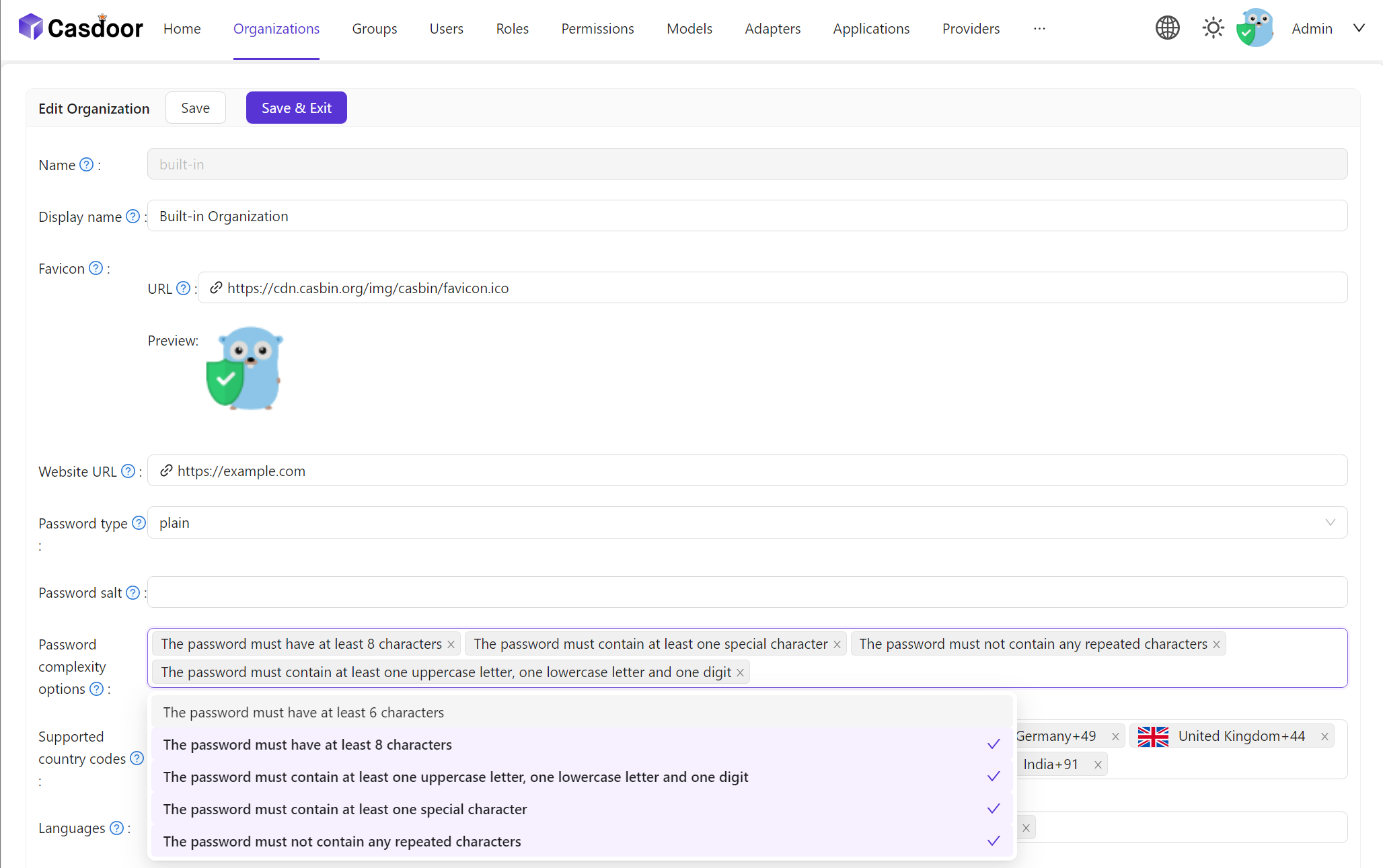
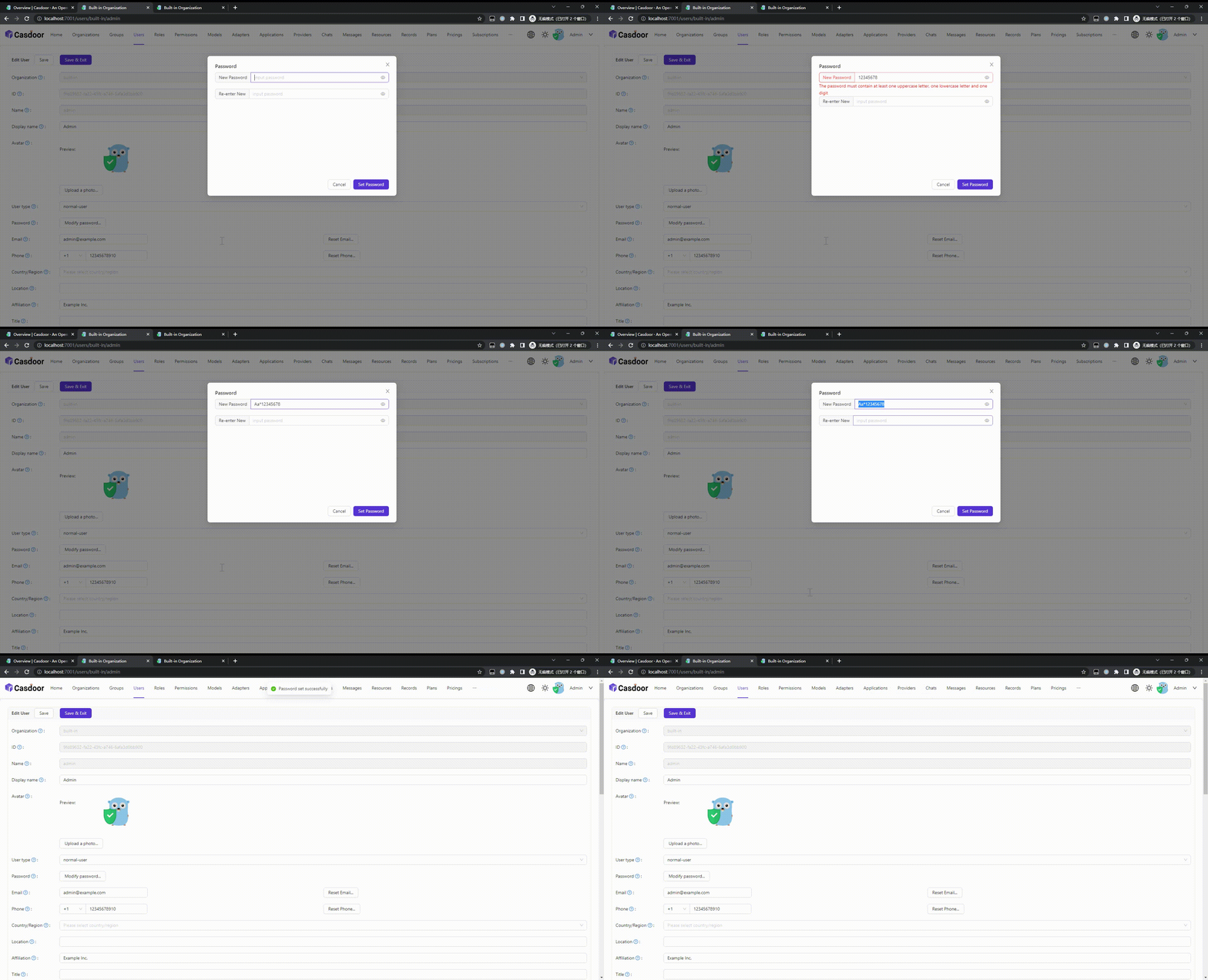
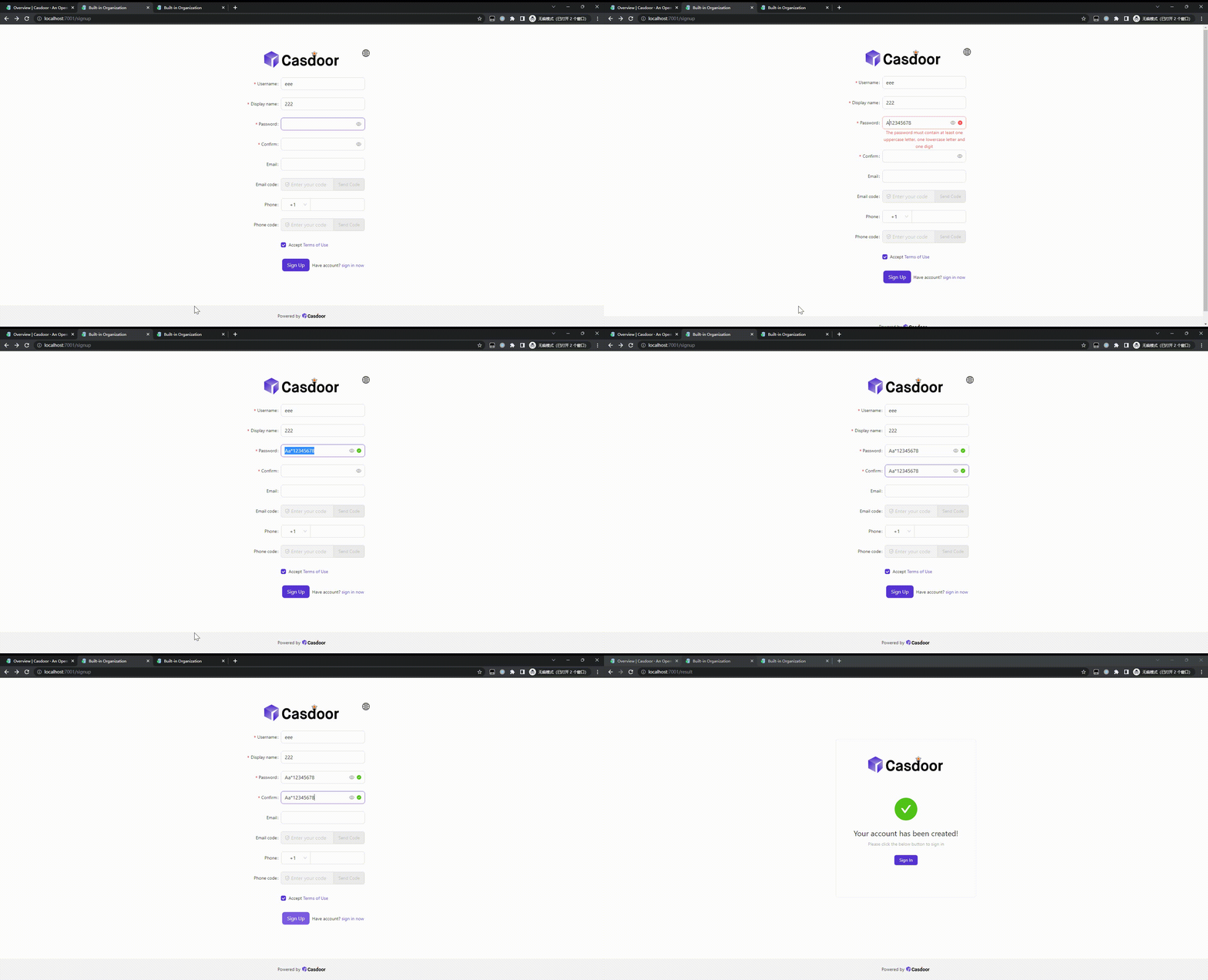
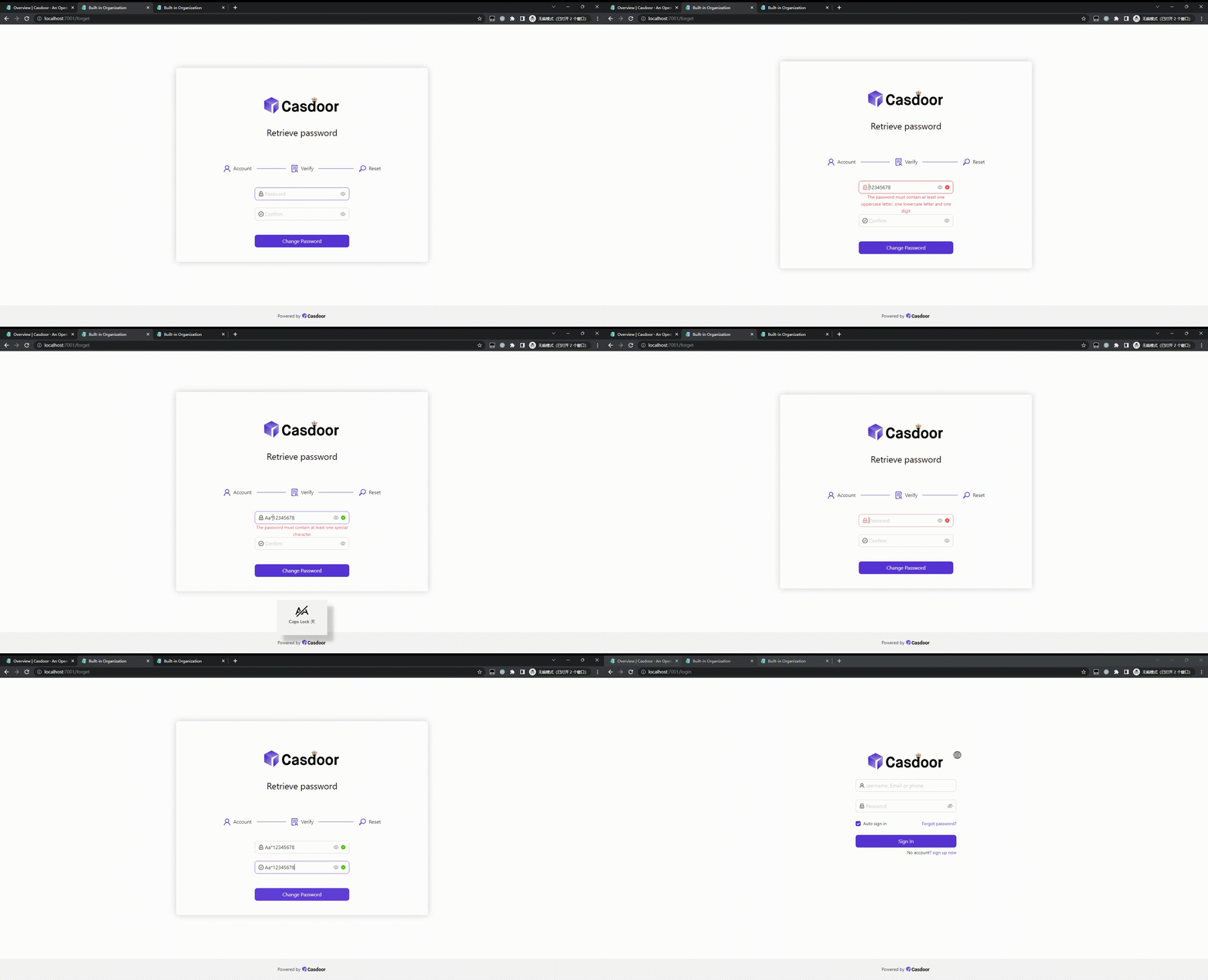
Password Complexity Validation
We support password complexity validation on the following pages:
Sign up page.
Forget password page.
User edit page.